

MediaPlay DVD Player – Play DVDs & More
An editorial review of MediaPlay DVD Player for Windows 10 & 11. Learn how this lightweight player handles DVDs, streaming, and 150+ media formats.
A Seamless Media Experience on Windows
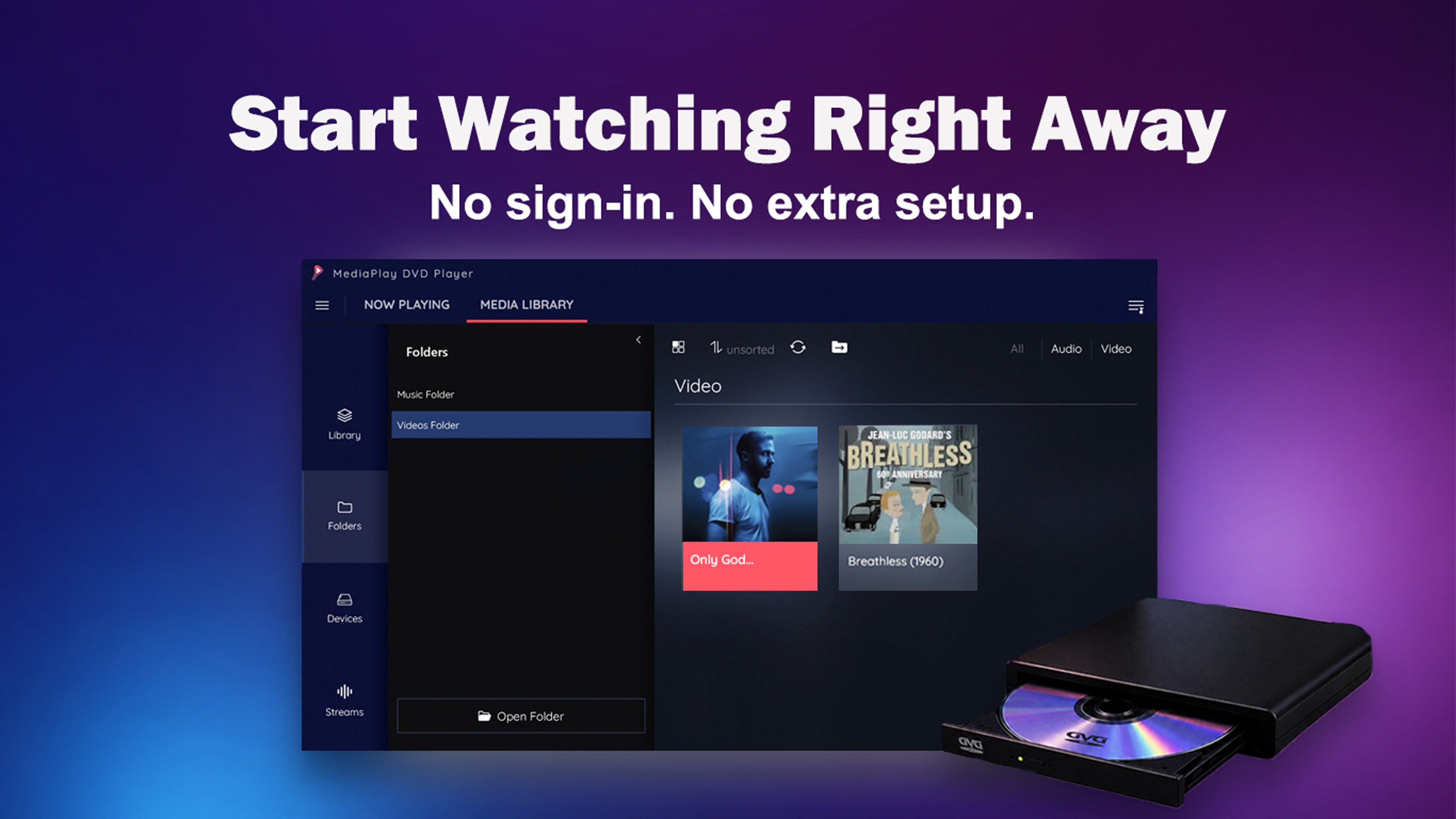
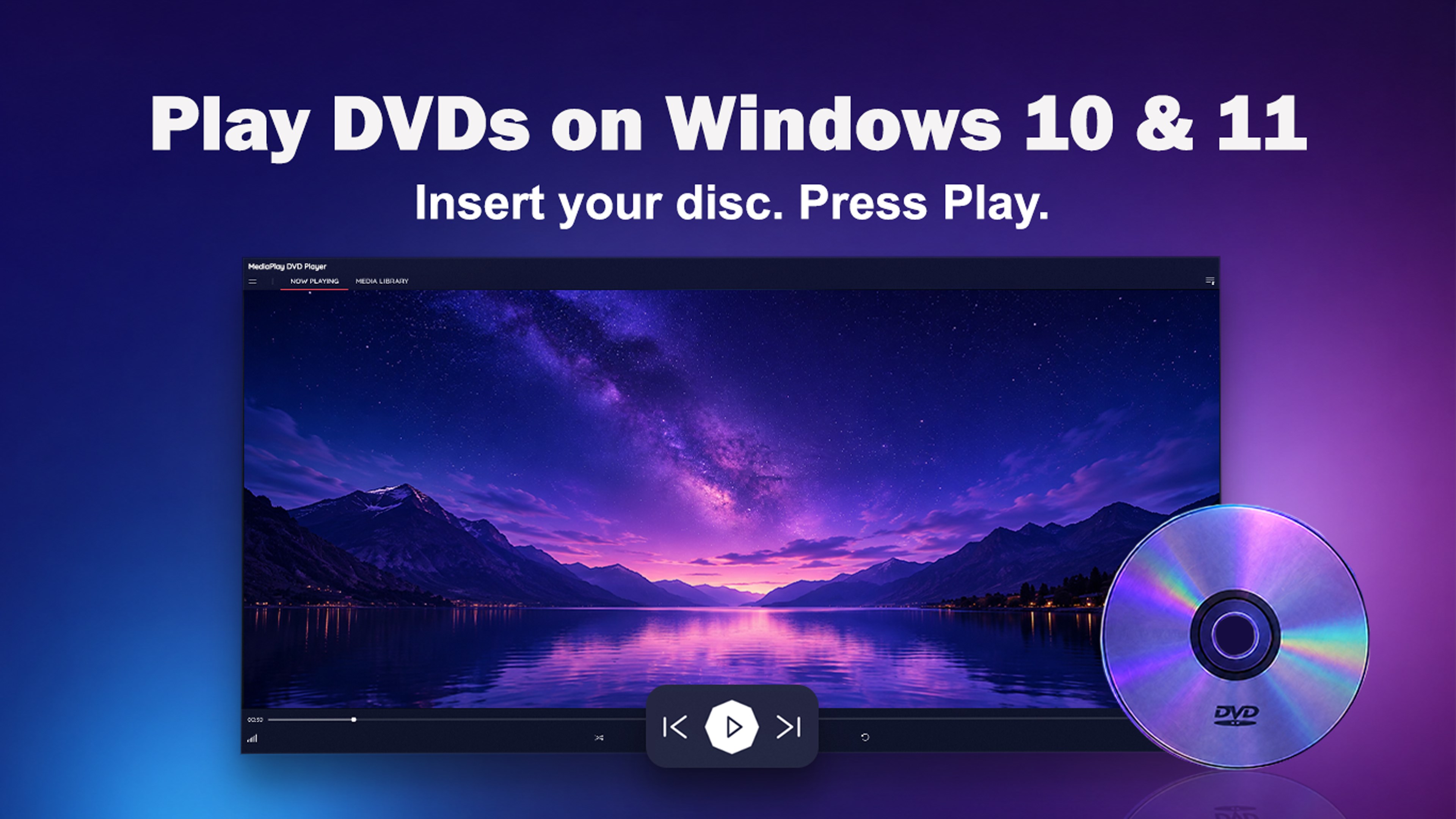
Finding a reliable, hassle-free media player for modern Windows operating systems can be surprisingly challenging. MediaPlay DVD Player by RoxyApps steps into this gap, offering a streamlined solution designed specifically for Windows 10 and 11. Instead of dealing with complex configurations, codec downloads, or mandatory account registrations, this application lets you insert your media and start watching immediately. Whether you are spinning a physical disc or opening a modern digital file, the focus remains entirely on straightforward playback.
Key Features of the MediaPlay DVD Player
Our review of the MediaPlay DVD Player highlights several standout features that make it a highly practical addition to any desktop or laptop setup:
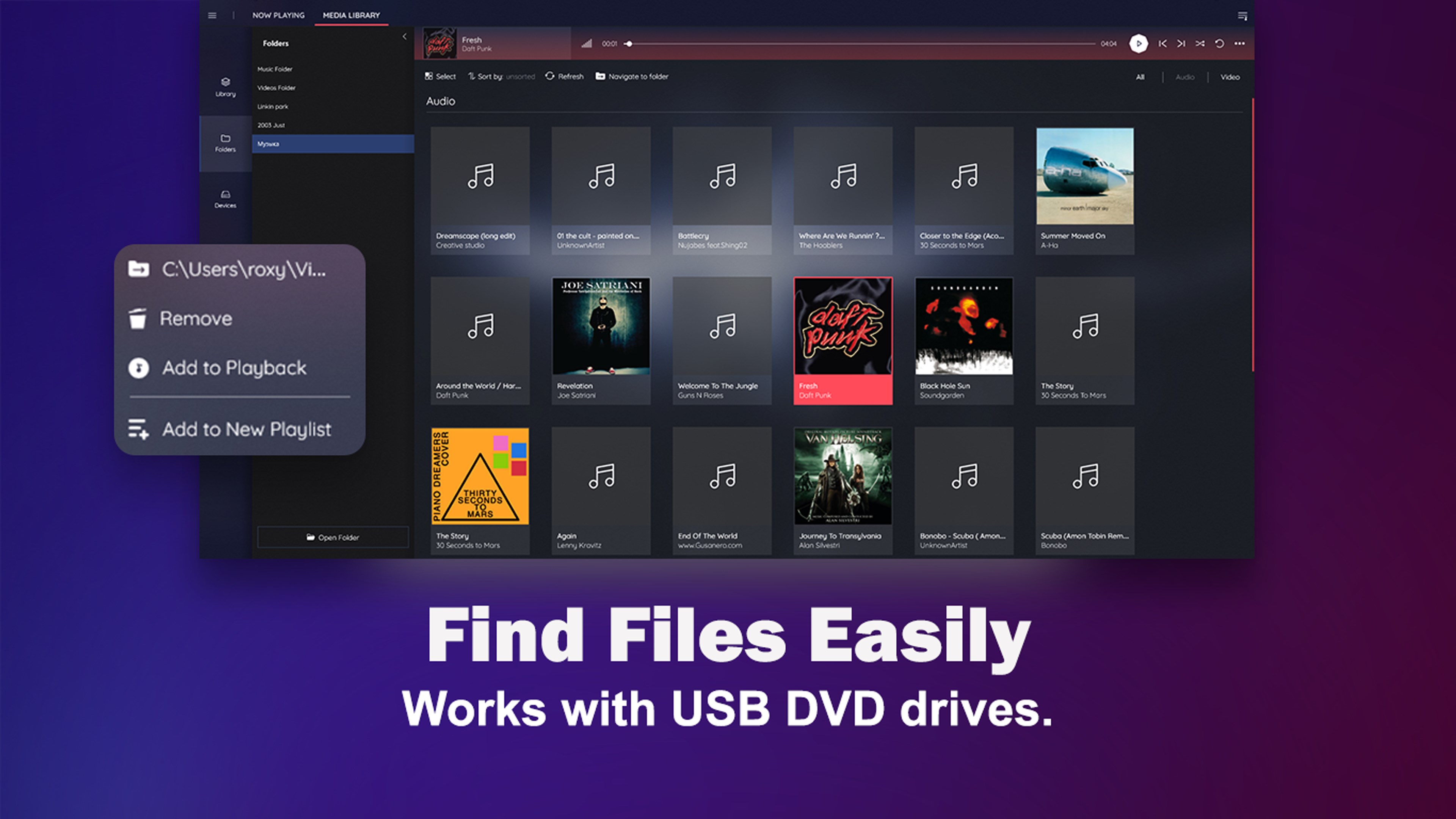
- Versatile DVD Playback: The software seamlessly reads physical DVD discs, local DVD folders, and traditional VIDEO_TS files. It works beautifully with both internal disc drives and external USB DVD drives.
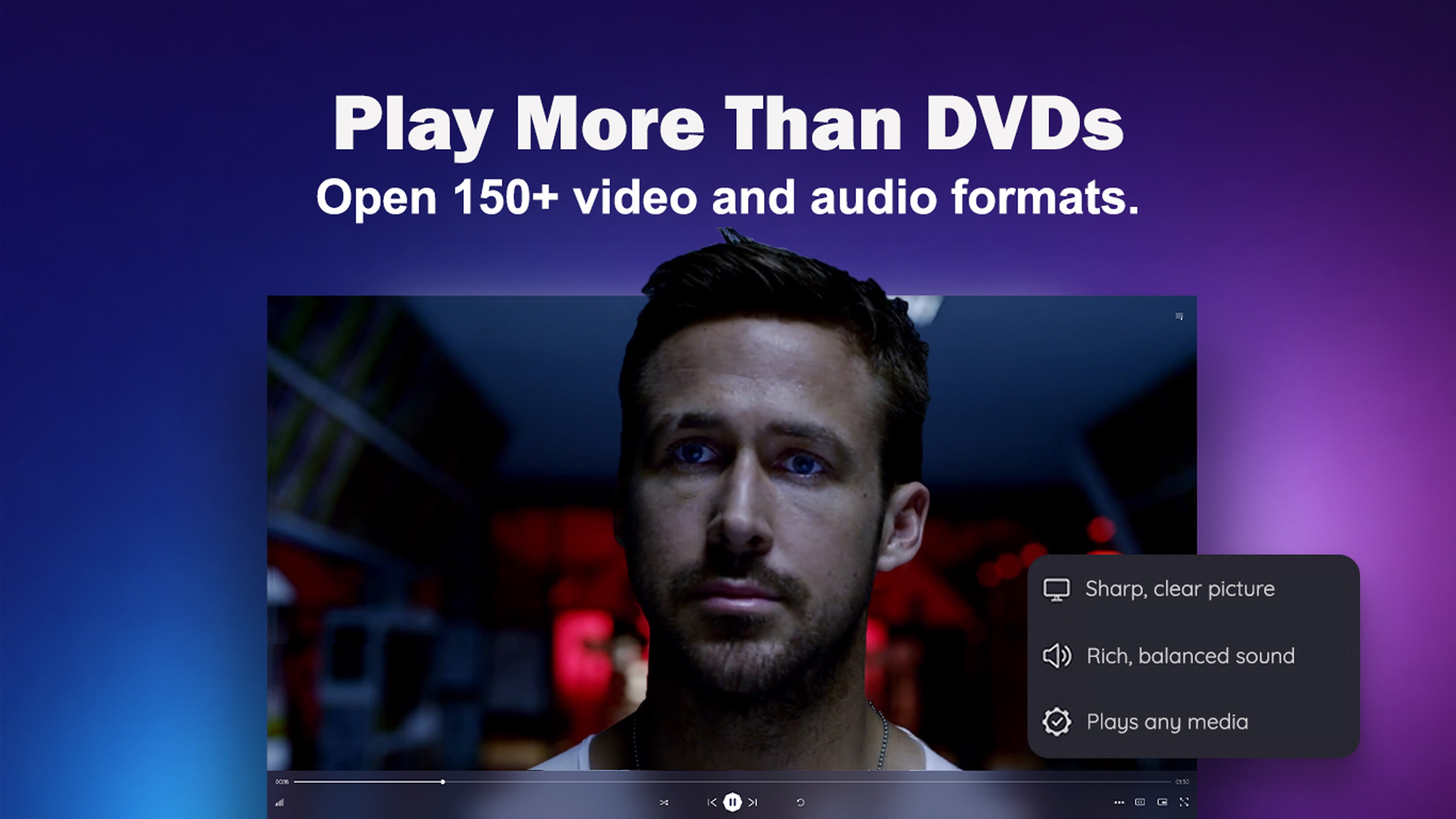
- Broad Format Compatibility: Beyond DVDs, it supports over 150 video and audio formats, including popular extensions like MP4, MKV, AVI, MOV, WMV, MP3, WAV, FLAC, and AAC.
- Built-In Media Utilities: It features integrated tools to compress large video files, convert formats, and extract audio tracks from video files.
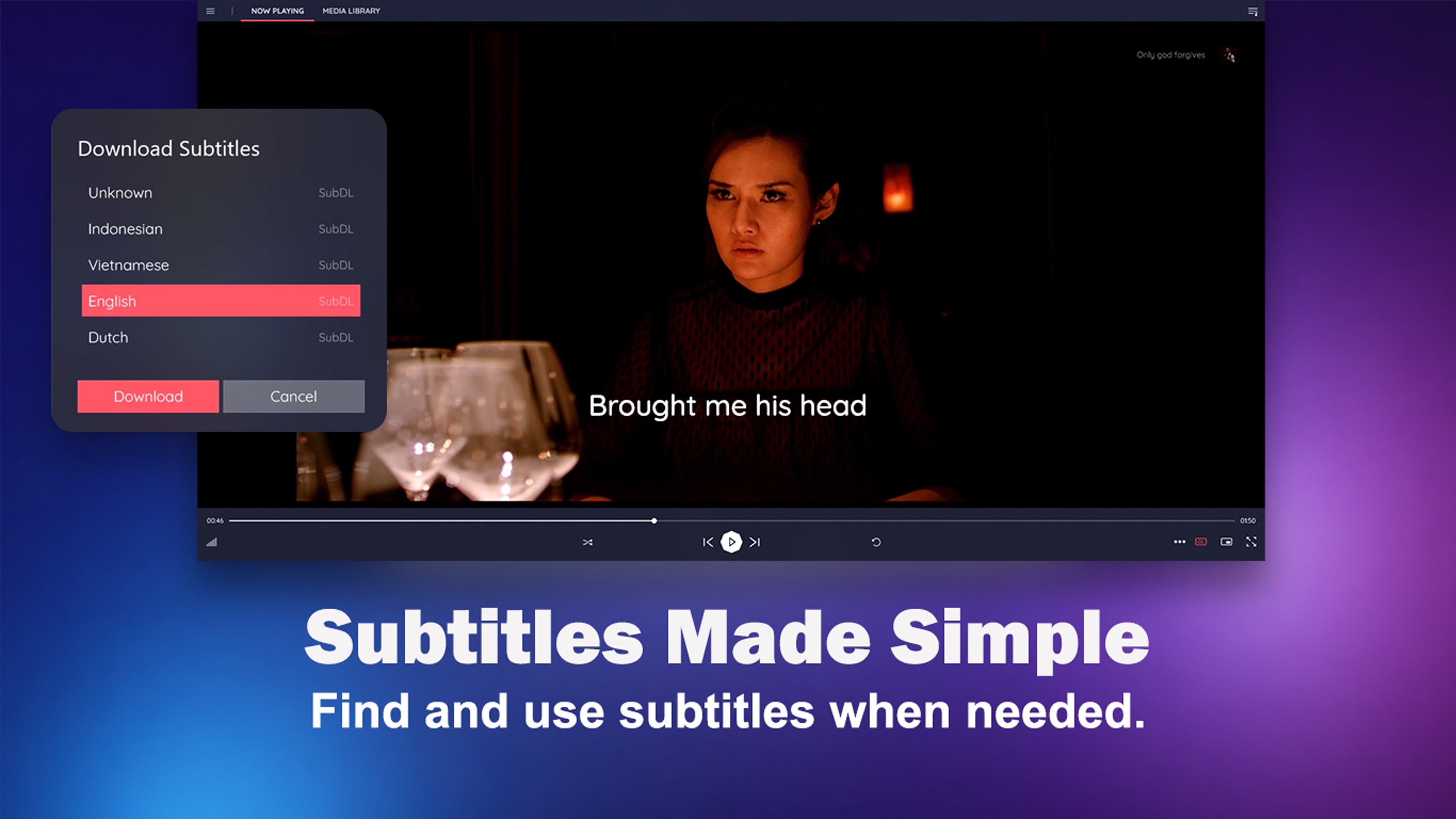
- Smart Subtitle Integration: Easily load internal subtitles, import external subtitle files, or use the automatic subtitle download feature when connected to the internet.
- Offline Functionality: Enjoy your local media files and DVDs completely offline, preserving your privacy and bandwidth.
Intuitive Design and Playback Control
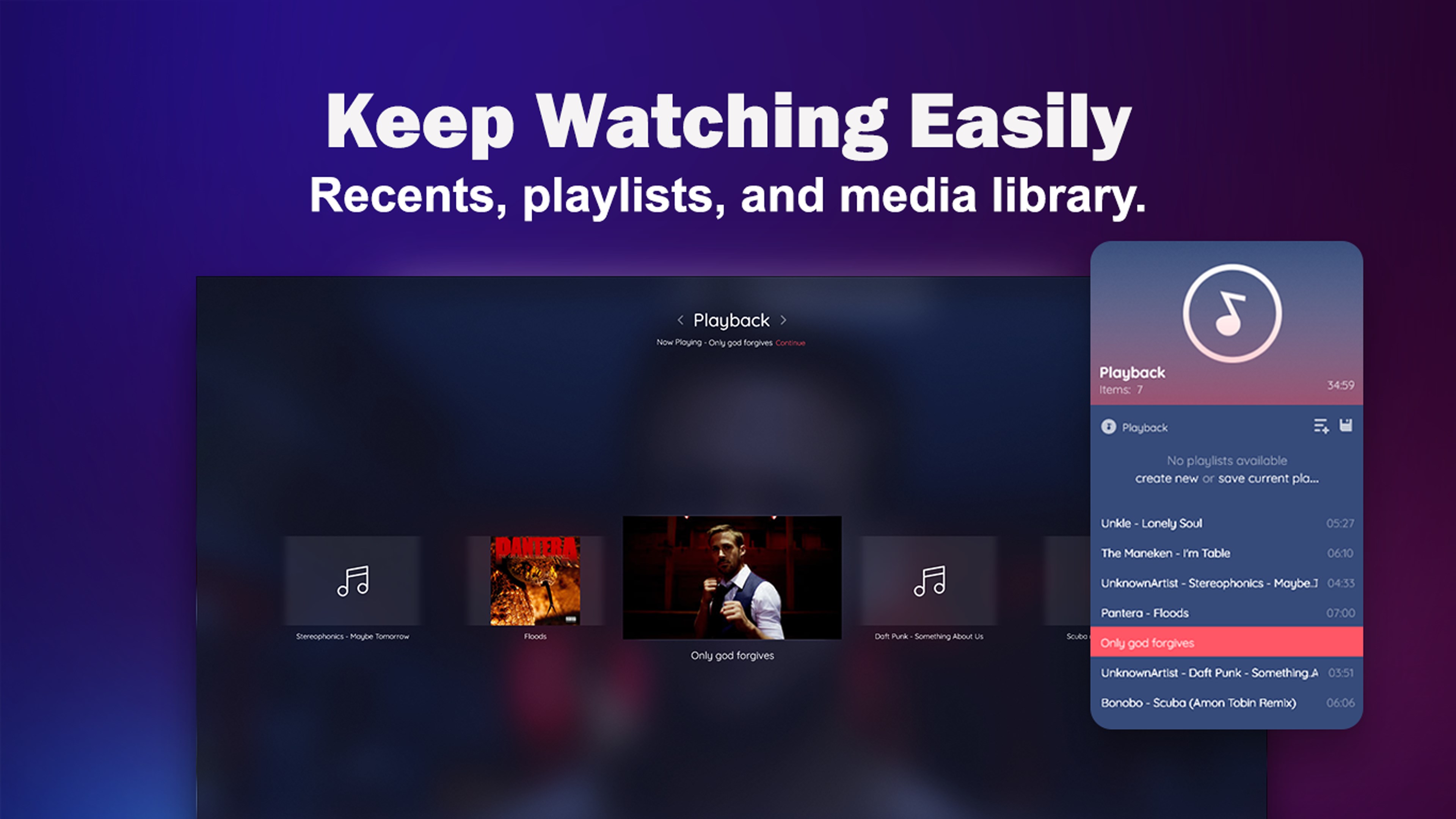
The user interface of the MediaPlay DVD Player is clean and uncluttered, making it accessible for users of all technical levels. Navigating your media library, managing playlists, and viewing recently opened files is highly intuitive. During playback, you have precise control over your viewing experience with tools to adjust the aspect ratio, zoom level, playback speed, and video scale. An integrated equalizer with audio presets also allows you to fine-tune the sound to match your hardware.
Who Is This Player For?
This software is ideal for users who want a traditional, plug-and-play media experience without the bloat of modern streaming platforms. If you have a collection of physical DVDs, home videos, or downloaded media files and want them to play instantly without subscription prompts or sign-in walls, this utility provides exactly that peace of mind.
Get Started with MediaPlay DVD Player
If you are looking for a dependable, all-in-one media solution for your PC, this application is well worth considering. To explore its features and try it out for yourself, head over to the official Microsoft Store to download the MediaPlay DVD Player today.