

Gesture-Browser
Read our comprehensive review of Gesture-Browser, an innovative Mac utility that lets you scroll through websites and PDFs using simple hand gestures.
A New Way to Navigate: The Gesture-Browser Experience
Imagine presenting a detailed PDF or scrolling through a long web article on a projector without ever touching your device. Gesture-Browser touchless web navigation turns this concept into reality by leveraging your built-in camera to translate physical hand movements into seamless on-screen scrolling. Designed by developer Shunzhe Ma, this internet utility offers a hands-free approach to reading and presenting digital documents on the Mac platform.
How Gesture-Browser Touchless Web Navigation Works
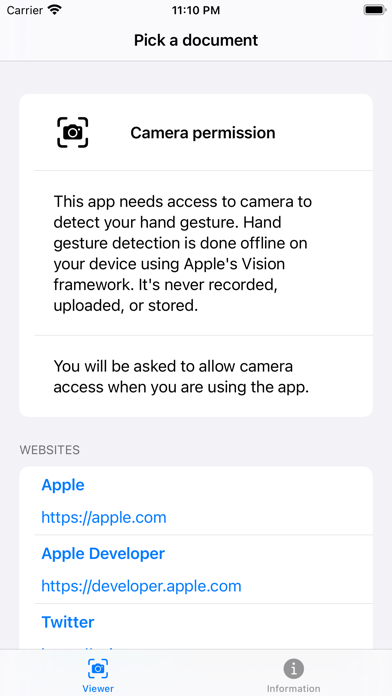
Getting started with the application is remarkably straightforward. Users can input a direct web URL, select a live website to browse, or open a locally stored document. Once your file or page is loaded, the app utilizes your camera feed to detect movement. By raising or lowering your hand at a moderate distance from the screen, you can scroll up and down through the content naturally.
Key Features & Usability Tips
- Multi-Format Support: Works efficiently with both live web pages and local PDF files.
- Presentation-Ready: Perfect for situations where your device is connected to a projector or external display, allowing you to guide your audience without being anchored to your keyboard.
- Privacy-Conscious Technology: While the application requires camera access to function, the video feed is processed locally using Apple's machine learning framework. The camera stream is never recorded, stored, or transmitted.
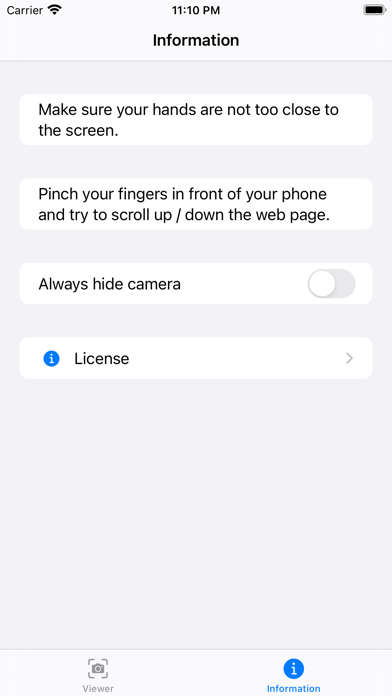
- Distance Optimization: For the best tracking results, ensure your hands are positioned at a moderate distance from the camera—positioning them too close may prevent the motion sensors from registering your gestures.
Who Is This Hands-Free Utility For?
Gesture-Browser touchless web navigation is an excellent tool for educators, speakers, and professionals who frequently present long-form text or reports. It also serves as a convenient utility for casual readers who prefer a relaxed, hands-free viewing experience while digesting articles at their desk. By removing the need for physical contact with your Mac, it introduces a modern, interactive layer to everyday browsing.
Our Editorial Verdict
If you are looking to streamline your presentations or simply want to experiment with touchless interface technology, this utility provides a clean and highly functional solution. To experience this innovative navigation style for yourself, check out the official Mac App Store listing to review its compatibility and add it to your productivity toolkit.