
Adobe Express Review: The Ultimate Graphic Design Tool
An in-depth review of the Adobe Express design app, exploring its generative AI capabilities, video tools, and professional templates for creators.
Stepping into the interface of the Adobe Express design app feels like gaining immediate access to a professional creative studio, minus the steep learning curve. Developed by ADOBE INC. for Windows, this all-in-one design application bridges the gap between complex creative suites and rapid, high-quality content production. Whether you are crafting social media assets, editing videos, or formatting documents, the experience is remarkably fluid and intuitive.
Harnessing Generative AI for Instant Asset Creation
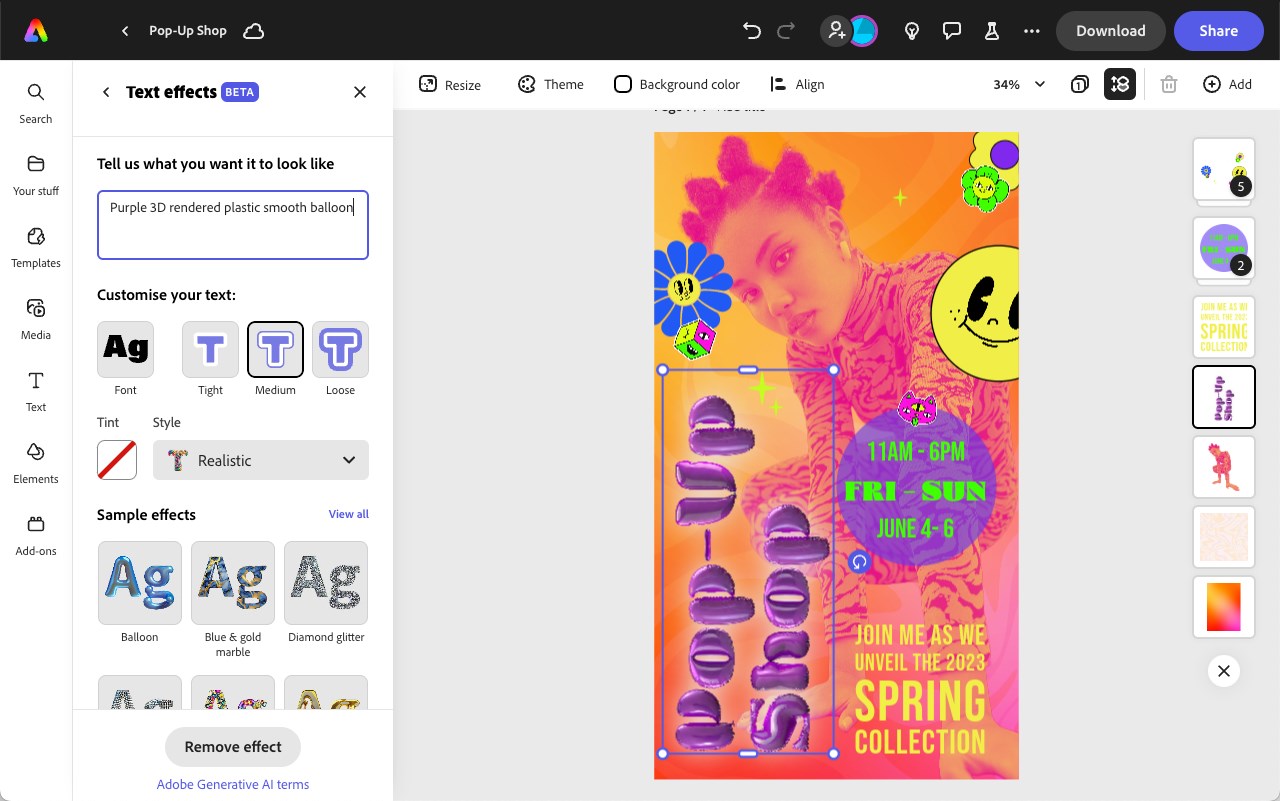
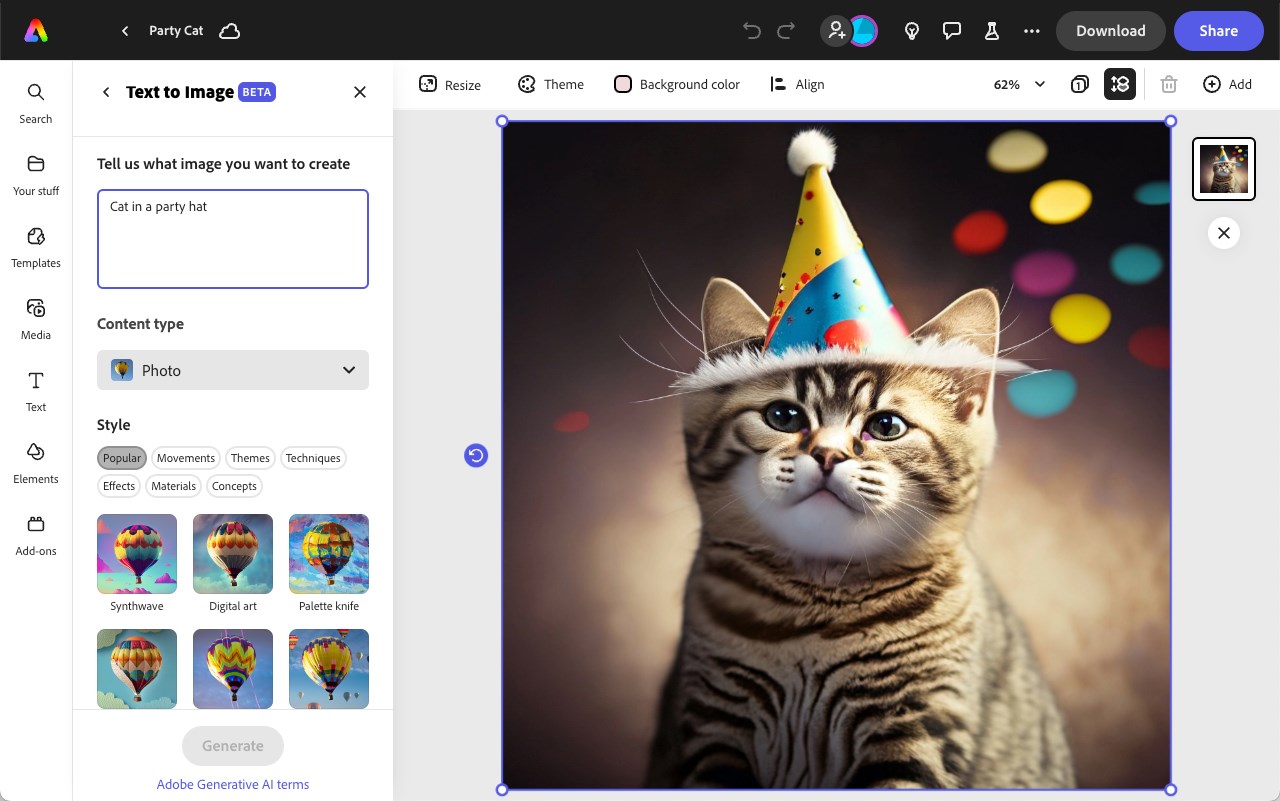
At the heart of the modern Adobe Express design app is the integration of Adobe Firefly. This generative AI engine allows you to type simple text descriptions to produce extraordinary text effects and unique images instantly. It minimizes the time spent searching for the perfect asset by letting you generate exactly what you visualize, directly within your active workspace.
A Complete Multi-Format Editing Workspace
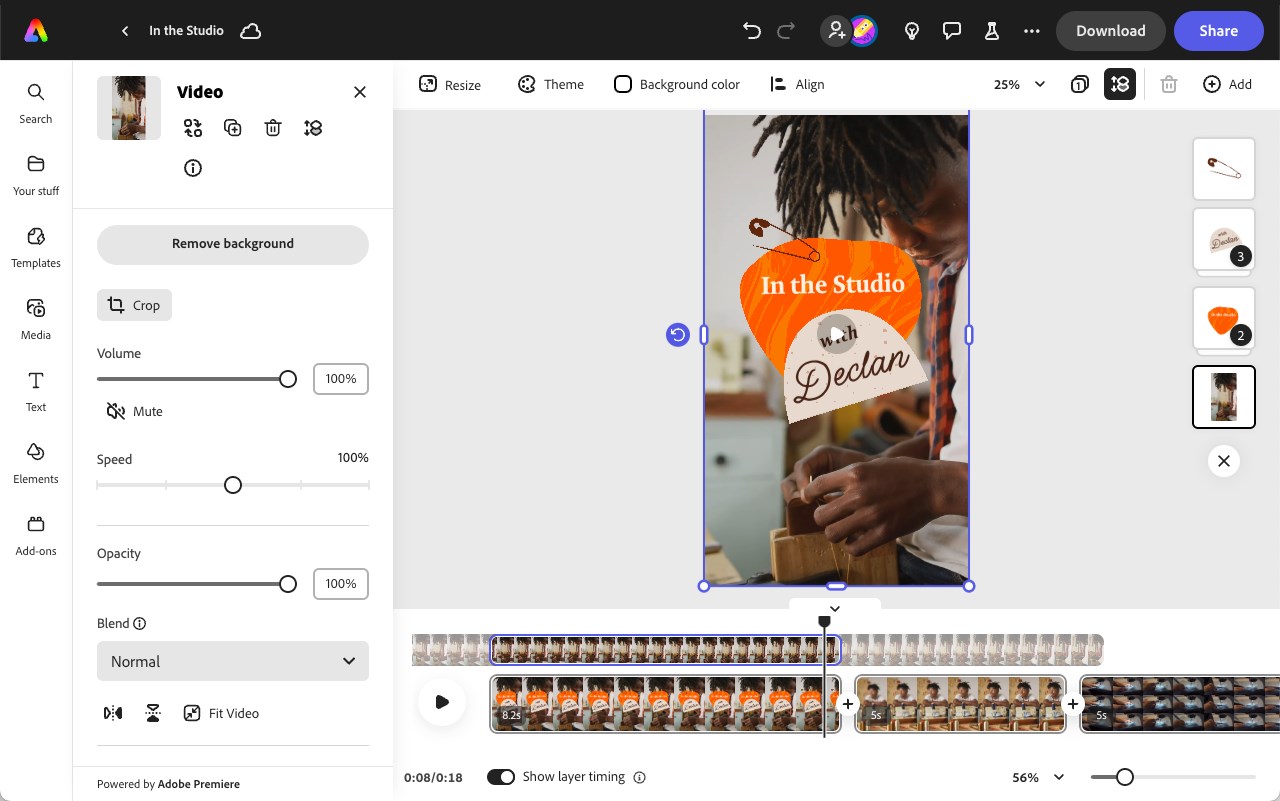
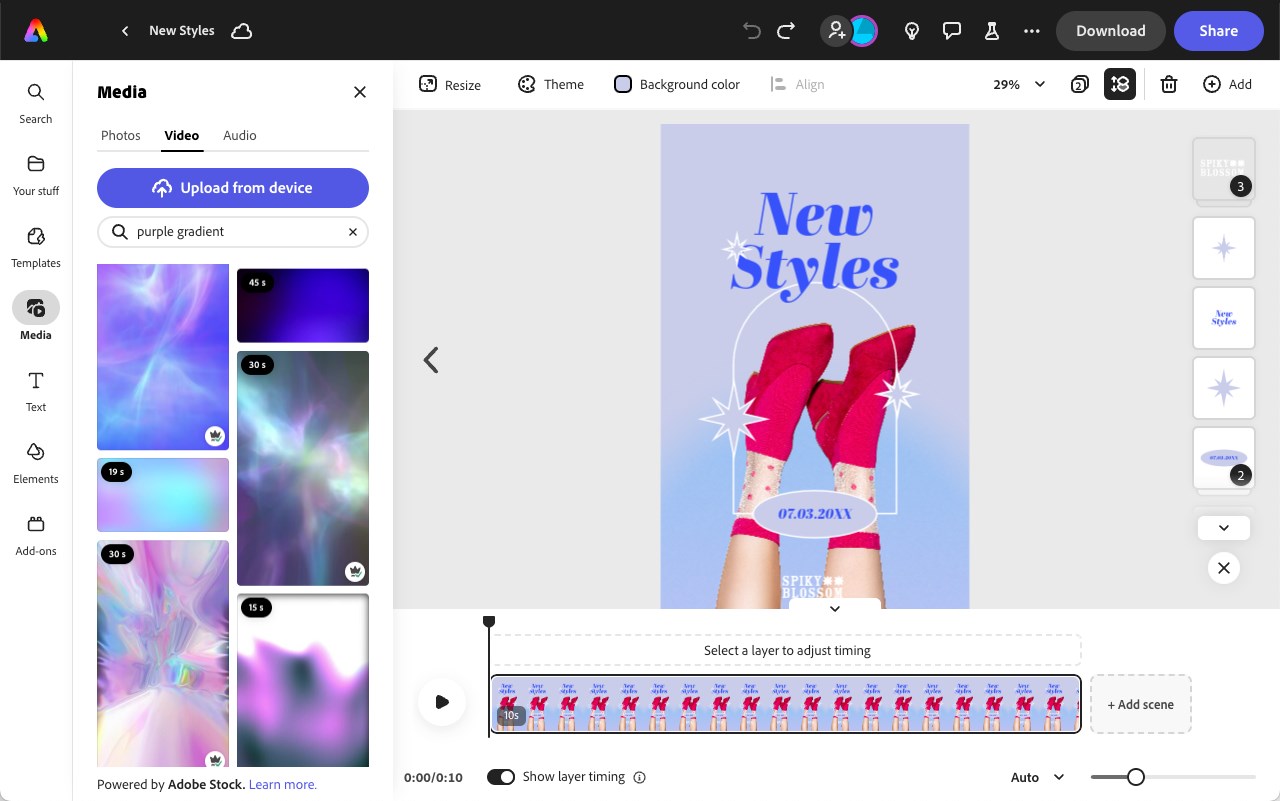
Beyond static graphic design, this software functions as a versatile hub for multi-media projects. Users can seamlessly combine video clips, animations, music, and artwork with straightforward drag-and-drop mechanics. For quick adjustments, the platform features one-click quick actions that bypass complex workflows entirely:
- Instant background removal for clean product shots and portraits.
- One-tap video conversion to GIF and document exports to and from PDF.
- Rapid multimedia adjustments including cropping, trimming, reversing, and speed manipulation.
- One-click QR code generation and image format conversion (JPG/PNG).
Collaborative Workflows and Corporate Consistency
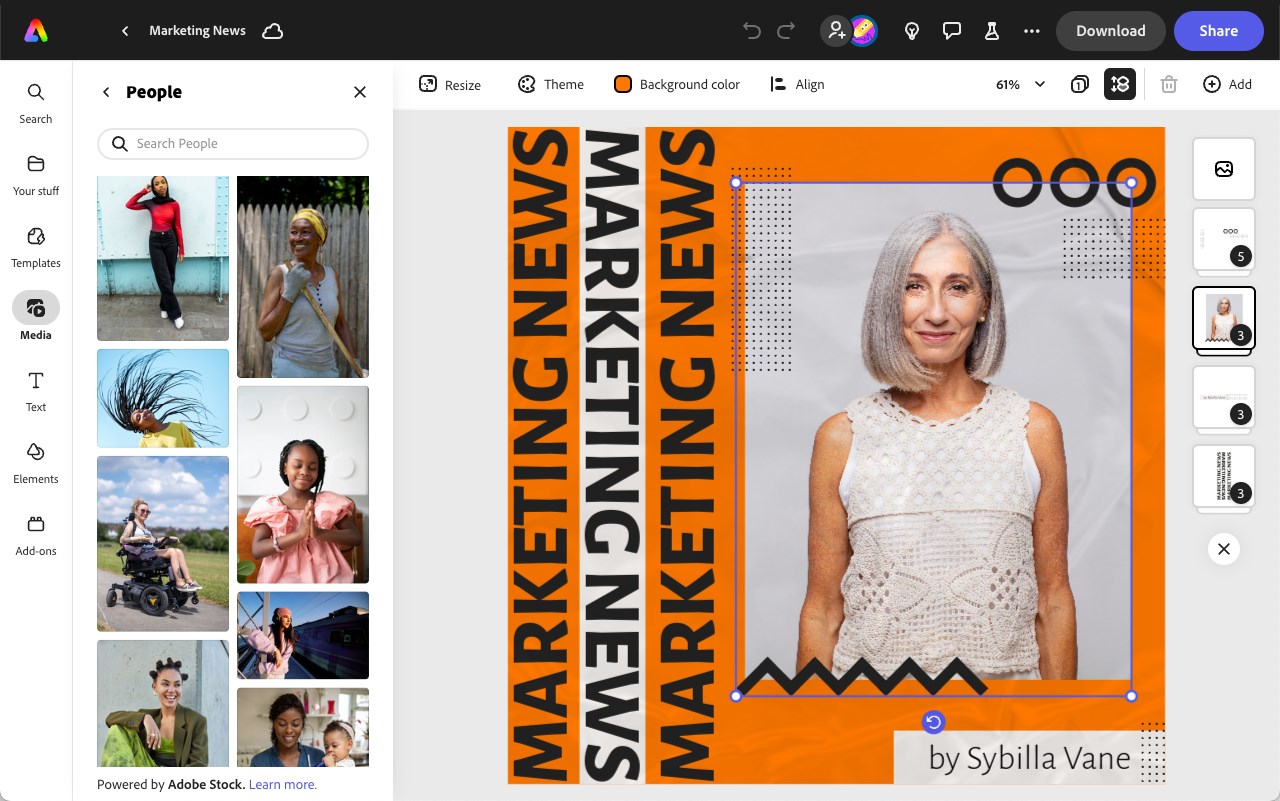
For professional teams, maintaining brand integrity across various campaigns is crucial. The Adobe Express design app solves this with shared brand kits, centralized templates, and real-time collaboration tools. Furthermore, if your team relies on advanced desktop tools, the application allows you to import and edit linked Photoshop and Illustrator assets, ensuring your cloud-based designs always stay synchronized with your master files.
Is It Right for Your Creative Pipeline?
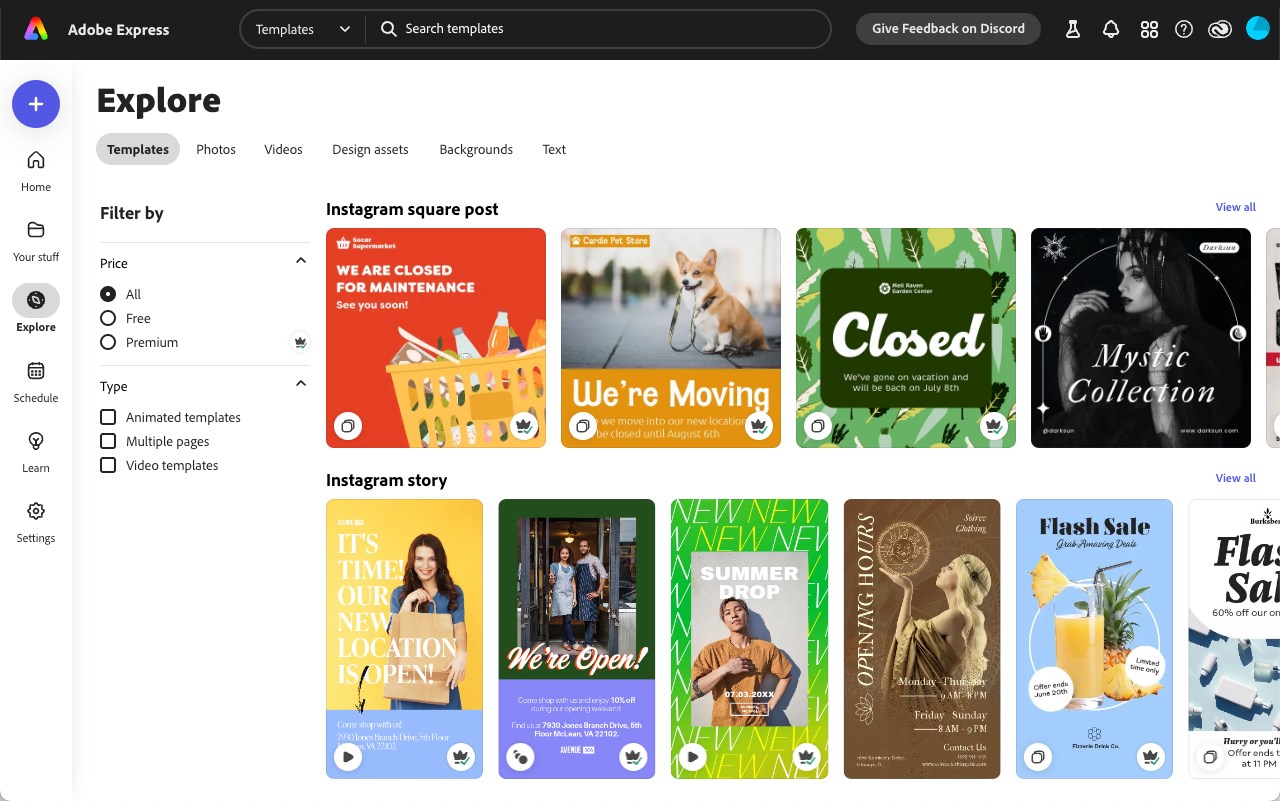
This application is highly recommended for marketing professionals, small business owners, and digital content creators who need professional-grade output under tight deadlines. It strikes an exceptional balance between ease of use and professional capability, backed by the extensive library of Adobe Stock assets and fonts.
To experience this powerful creative workspace yourself, head over to the official Microsoft Store to explore the Adobe Express design app and elevate your digital design workflow.